AIGC应用 | 实现摄影级人像摄影创作


广州/艺术工作者/1年前/314浏览
版权
AIGC应用 | 实现摄影级人像摄影创作
如何运用SD尝试完整人像摄影创作产出?
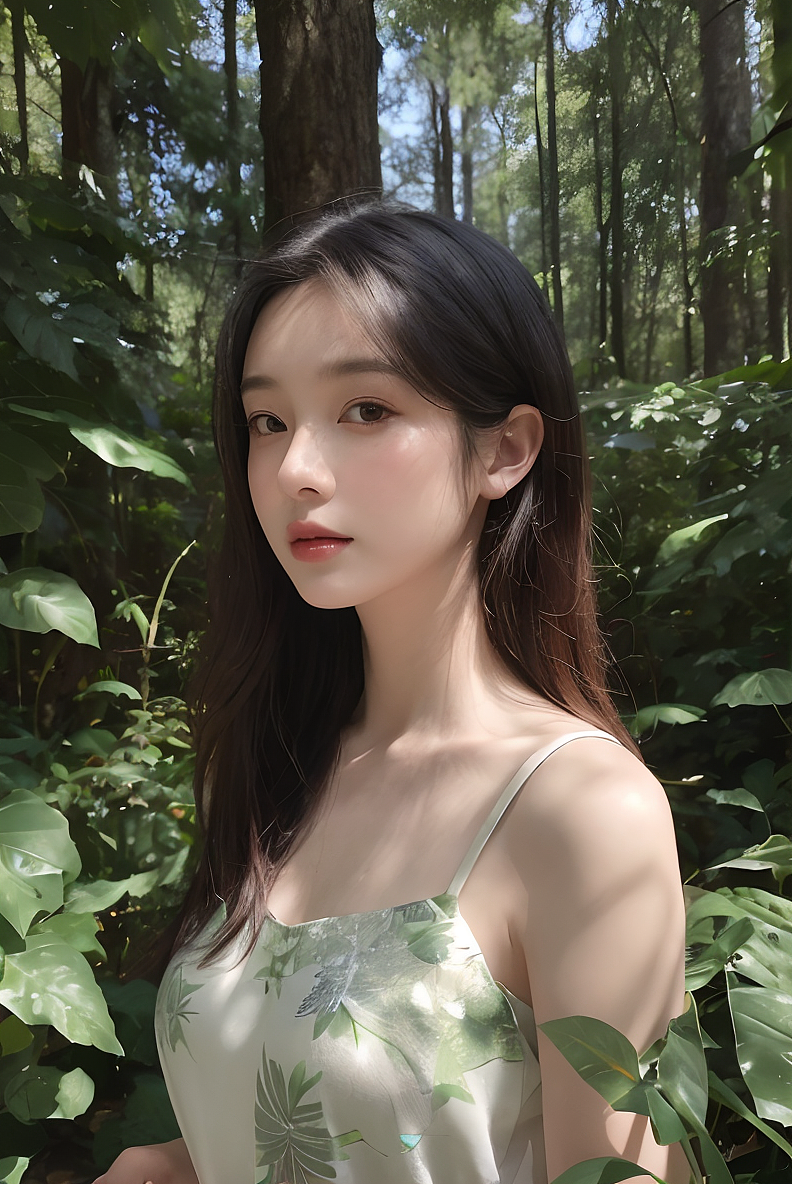
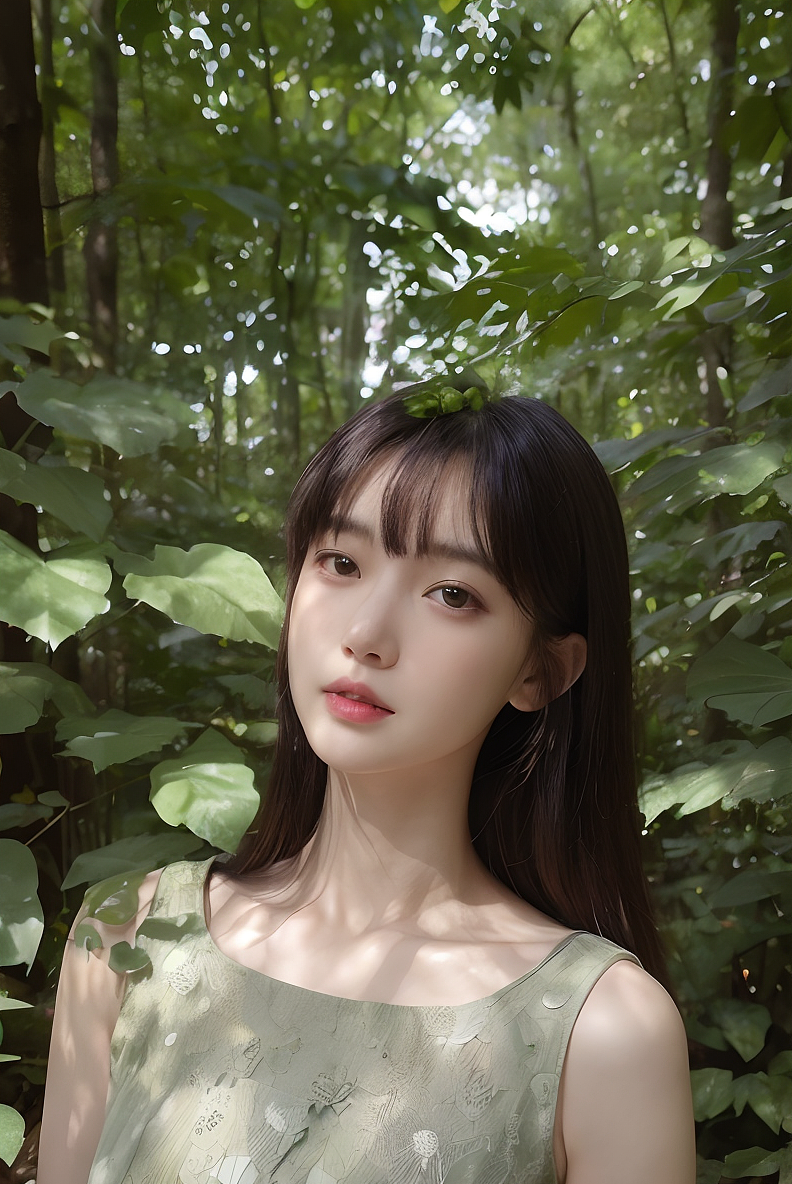
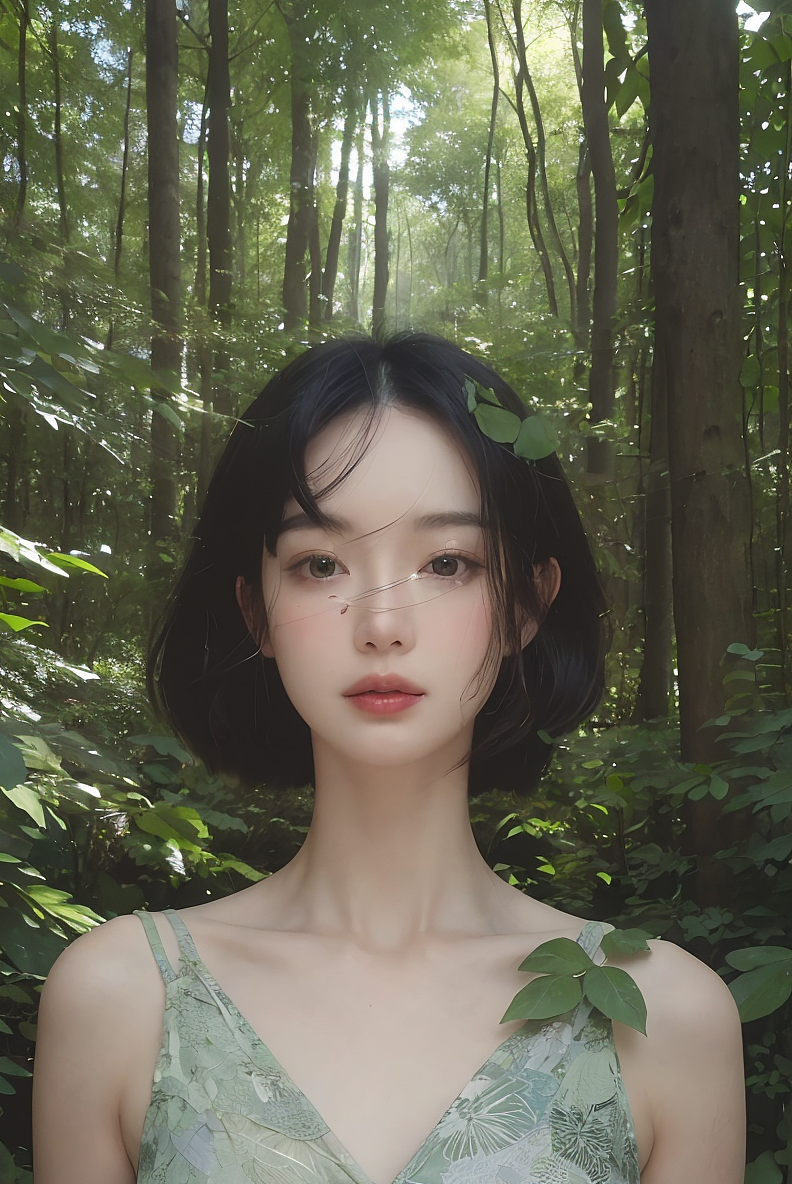
以本期写实人像摄影为例,创作延伸不同的真实画面效果。
AI不单单只是提效,是否还有更多可能性。
2024 翻山,突破。
新挑战=新机会
今天分享一下SD写实人像摄影创作方法
本次教程按照从上到下的操作顺序写的
① 选好大模型

大模型:小凤写实清新摄影风格大模型三号_1.0
大模型可以在这里搜索,点击加入模型库就行了
② 输入关键词

SD的关键词分为正面的和负面的
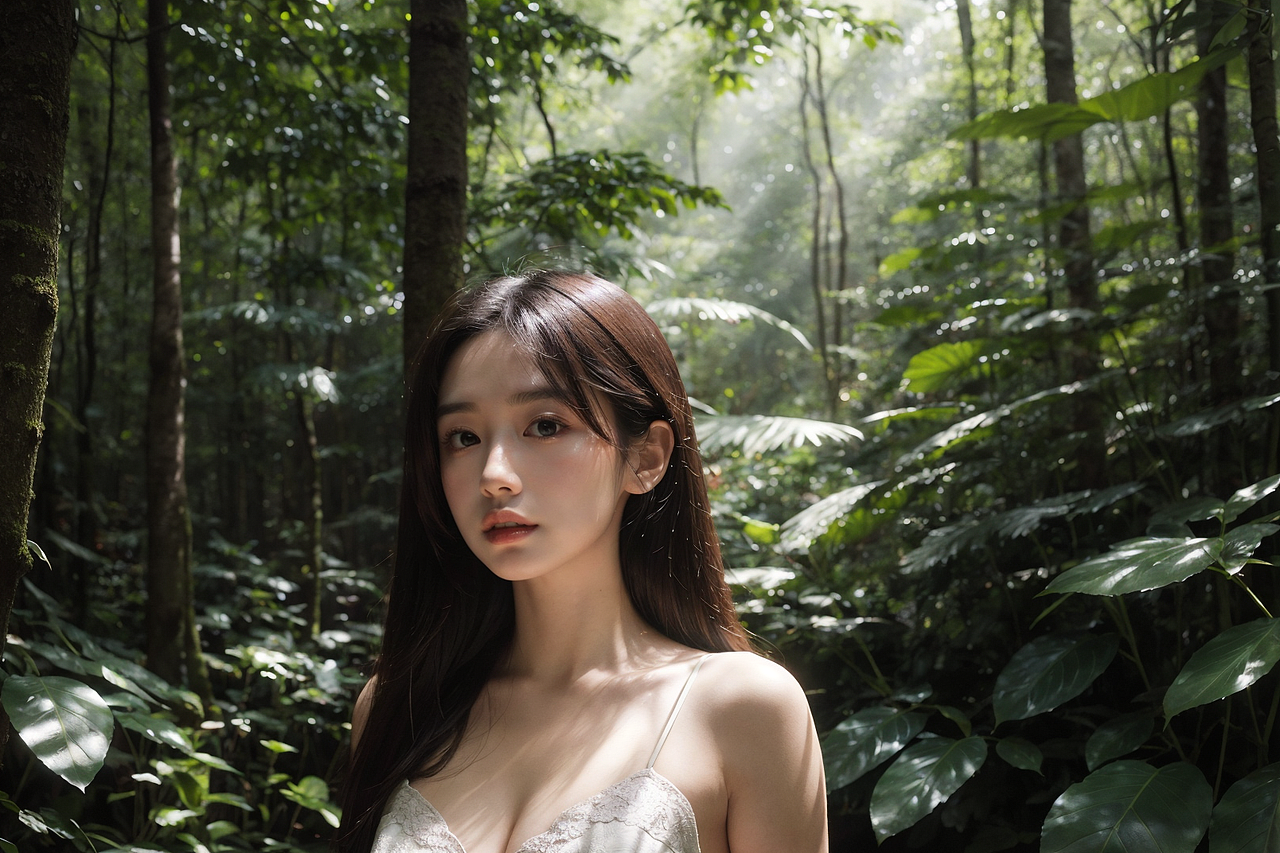
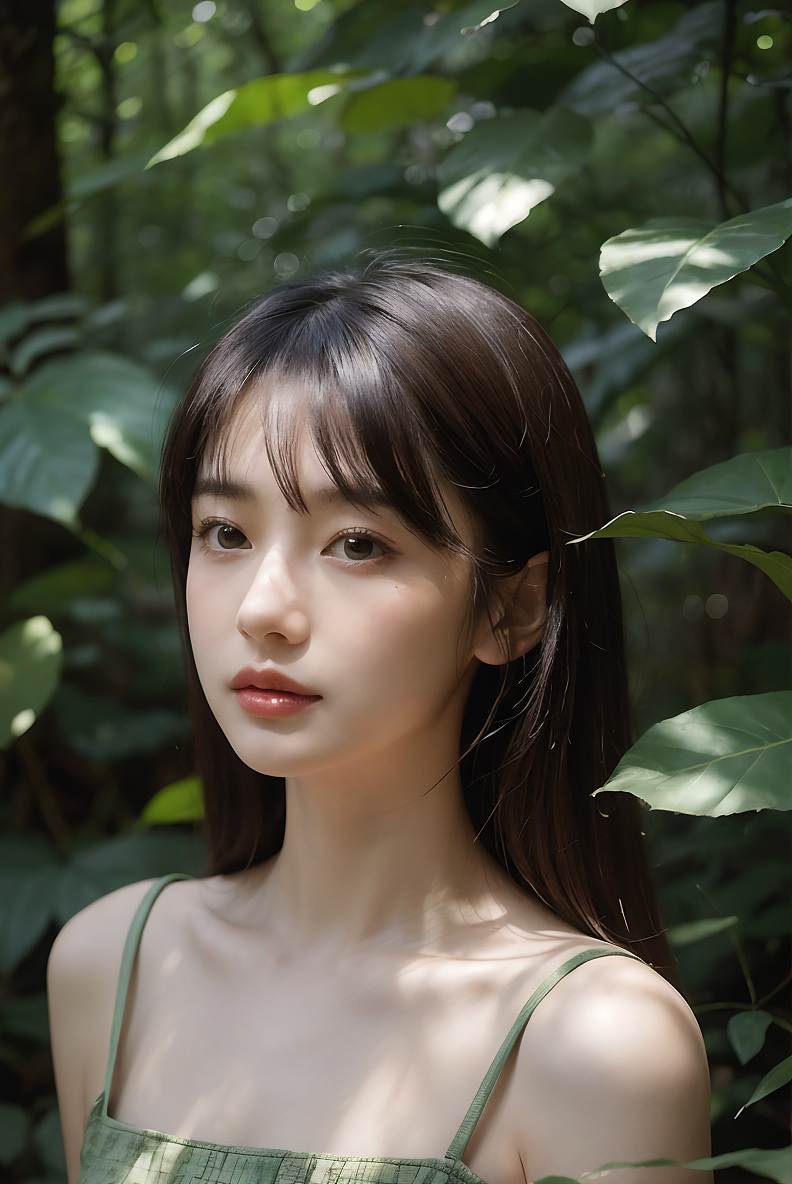
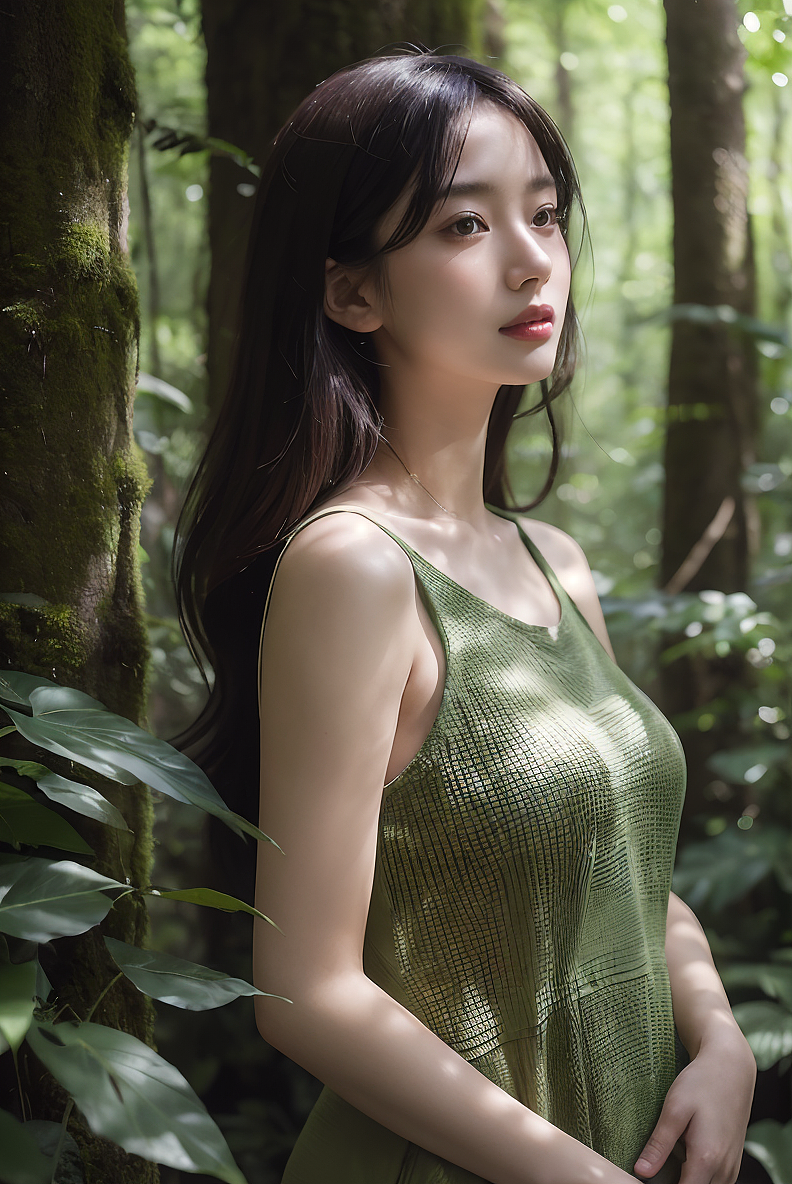
正面关键词:In the middle of a lush forest,a girl stood amidst the tall trees,the sunlight filtering through the leaves,large breasts,and casting dappled shadows on her face. She gazes in wonder at the natural beauty around her,a serene scene of harmony with nature. Mixed media,textured paper,overlapping,asymmetrical,abstract,vibrant,负面关键词:photo,3D,realistic,drawing,painting,high detail,disfigured,ng_deepnegative_v1_75t,(badhandv4:1.2),(worst quality:2),(low quality:2),(normal quality:2),lowres,bad anatomy,bad hands,((monochrome)),((grayscale)) watermark,moles,
收藏
③ 选好LORA模型

点击添加
模型1:人像摄影_写实_五官质感_v1.0,权重设置为0.15
模型2:人像质感增强滤镜(,权重设置为0.2
LORA模型可以在这里搜索,点击加入模型库就行了
收藏
④ 设置出图参数

收藏
⑤ 设置ControlNet
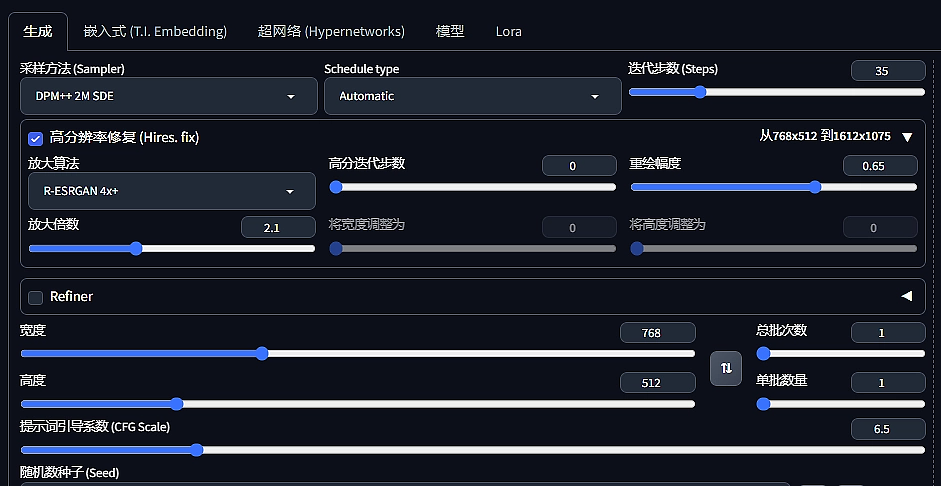
采样方式:DPM++ 2M SDE
迭代步数:35
勾选高分辨率修复
放大算法:R-ESRGAN 4x+
重绘采样步数:0
重绘幅度:0.65
等比缩放:2
图片数量:4(效果测试满意了可以多出几张)
提示词引导系数:6.5






5
Report
声明
1
Share
相关推荐










in to comment
Add emoji
喜欢TA的作品吗?喜欢就快来夸夸TA吧!

推荐素材
You may like









相关收藏夹











Log in
5Log in and synchronize recommended records
1Log in and add to My Favorites
评论Log in and comment your thoughts
分享Share