AI 播客一键生成

该内容为人工智能生成合成,请注意甄别
适合谁
播客/音频内容创作者
目标结果
一键生成带配乐的AI播客
场景
其他
ai播客
tts
minimax
有声书
音频制作
ai新闻播报
语音合成
使用说明
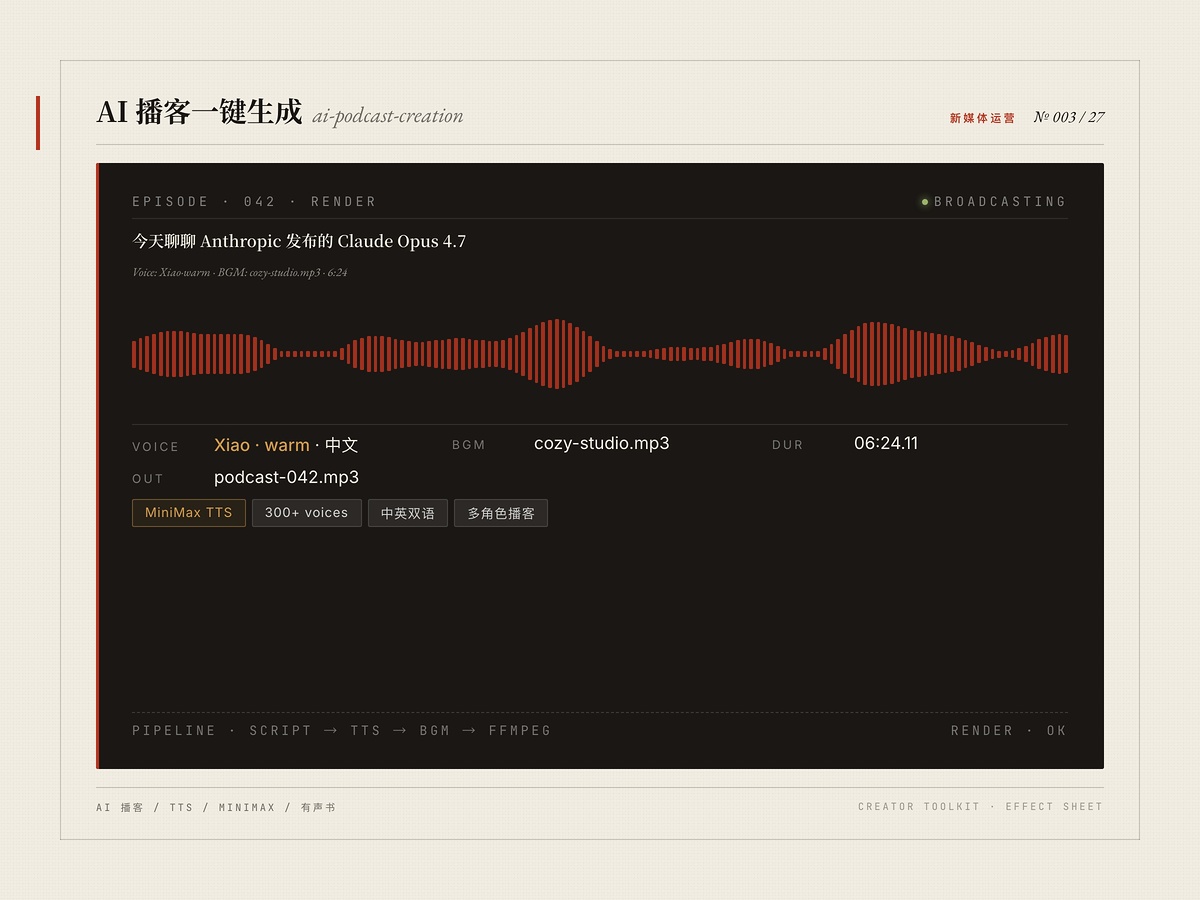
基于 MiniMax TTS 与 Music Generation API 的 AI 播客制作流程。输入文本脚本或话题大纲,自动调用 300+ 中英文 AI 音色合成语音、AI 生成片头/片尾背景音乐,并用 ffmpeg 自动混音对齐多段素材,一键输出 MP3 成片。支持情感控制、语速调节、多嘉宾对话、有声书、AI 新闻播报等场景,显著缩短从文本到成片的时间。
安装命令详情
Agent 安装(提示词)
推荐把安装 Prompt 交给兼容 Agent,即可在 ClaudeCode / Cursor / OpenClaw 这类宿主里按推荐方式拉起并启用 Skill。
请直接执行以下命令安装 skill,不要修改任何参数,也不要尝试其他安装方式:
npx zcool-skills add ai-podcast-creation -g -y
要求:
1. 先检查 node、npm、npx 是否可用,若缺失、版本异常或环境变量未生效,请优先自动修复当前运行环境,再继续执行安装流程。
2. 执行完成后明确返回:
- skill_name: ai-podcast-creation
- success: true/false
- message: 安装结果或错误原因
3. 如果失败,不要自行重试其他不确定命令。
下载 Skill 包
通用安装方式,适合手动归档、团队分享和离线留存。
ai-podcast-creation.zip
CLI 安装
适合已经在 openclaw / Cursor / 龙虾 里稳定使用 Skill 的团队,同步和脚本化部署效率最高。
$ npx zcool-skills add ai-podcast-creation -g -y
文件预览
SKill.md
---
name: ai-podcast-creation
description: |
  Create AI-powered podcasts using MiniMax TTS and Music Generation API.
  Capabilities: Chinese/English TTS with 300+ voices, AI background music generation, multi-segment BGM mixing, voice emotion control.
  Use for: podcast production, audiobooks, voice content, audio newsletters, AI news briefings.
  Triggers: podcast, ai podcast, text to speech podcast, audio content, voice over,
  ai audiobook, audio generation, podcast automation, ai narrator, voice content,
  audio newsletter, podcast maker, generate podcast, make podcast, 生成播客, 播客制作
allowed-tools: Bash(python3 *), Bash(ffmpeg *), Bash(curl *), Bash(ls *), Bash(mkdir *)
---

# AI Podcast Creation (MiniMax Edition)

Create AI-powered podcasts using MiniMax TTS and Music Generation API with ffmpeg mixing.

## Prerequisites

- **MiniMax API Key**: Set environment variable `MINIMAX_API_KEY` or the skill will prompt for it
- **Python 3**: With `requests` library (`pip install requests`)
- **ffmpeg**: For audio concatenation and mixing

## Workflow

### IMPORTANT: Always Ask User Preferences Before Generating

Before generating any podcast, you MUST use the `AskUserQuestion` tool to ask the user:

1. **Voice preference** (音色偏好):
   - Provide these common options and let user pick or describe their own:

   | Voice ID | Description | Best For |
   |----------|-------------|----------|
   | `Lively_Girl` | Lively, energetic female | Fun, casual podcast |
   | `Lovely_Girl` | Cute, sweet female | Light content |
   | `Sweet_Girl_2` | Sweet-sounding girl | Storytelling |
   | `Exuberant_Girl` | Enthusiastic, bubbly girl | News, hype content |
   | `Chinese (Mandarin)_Lyrical_Voice` | Chinese female, lyrical | Chinese narration |
   | `Chinese (Mandarin)_Crisp_Girl` | Chinese female, crisp | Chinese news/podcast |
   | `Chinese (Mandarin)_HK_Flight_Attendant` | HK female, professional | Formal Chinese |
   | `English_Graceful_Lady` | English female, graceful | English narration |
   | `English_Insightful_Speaker` | English speaker, insightful | English analysis |
   | `English_radiant_girl` | English female, radiant | English casual |
   | `English_Persuasive_Man` | English male, persuasive | English formal |
   | `Wise_Woman` | Wise, mature female | Deep topics |
   | `Calm_Woman` | Calm, soothing female | Meditation, relaxation |
   | `Casual_Guy` | Casual male | Casual chat |
   | `Deep_Voice_Man` | Deep, rich male | Documentary |
   | `Determined_Man` | Determined male | Motivation |

   - Additional voice options: `female-shaonv` (少女音), `presenter_female` (女主持人), `presenter_male` (男主持人)
   - Emotion options: `happy`, `sad`, `angry`, `fearful`, `surprised`, `neutral`
   - Speed range: 0.5 ~ 2.0 (default 1.0)

2. **BGM preference** (背景音乐偏好):
   - How many BGM segments? (1 = simple loop, 2-3 = varied feel)
   - Style description for each segment (e.g., "upbeat electronic", "lo-fi chill", "warm acoustic")
   - Volume level: low (0.04), medium (0.06), high (0.08)
   - IMPORTANT: Always include "no vocals, no singing, no humming, pure instrumental only" in BGM prompts

3. **Script style** (脚本风格):
   - Language: Chinese / English / Mixed
   - Tone: 活泼 lively / 专业 professional / 轻松 casual / 正式 formal
   - Single narrator or multi-person dialogue?

### Step-by-Step Generation Process

#### Step 1: Write Podcast Script

Convert the user's content into a natural, spoken-word podcast script. Adapt tone/style per user preference. Save to a `.txt` file.

#### Step 2: Generate Voice Audio

Use the Python script to generate TTS audio:

```bash
python3 scripts/generate_voice.py \
  --input podcast-script.txt \
  --voice "Chinese (Mandarin)_Crisp_Girl" \
  --emotion happy \
  --speed 1.1 \
  --output-dir podcast_output
```

The script will:
- Read the text file
- Split into chunks (~500 chars each, split on paragraph boundaries)
- Call MiniMax TTS API for each chunk
- Save individual MP3 files
- Concatenate all chunks into `voice_combined.mp3` using ffmpeg

#### Step 3: Generate BGM

Use the Python script to generate background music:

```bash
python3 scripts/generate_bgm.py \
  --prompts \
    "Bright upbeat electronic pop instrumental, no vocals, no singing, pure instrumental, 120 bpm" \
    "Chill lo-fi hip hop instrumental, no vocals, no singing, pure instrumental, 90 bpm" \
    "Warm acoustic guitar instrumental, no vocals, no singing, pure instrumental, 100 bpm" \
  --output-dir podcast_output
```

#### Step 4: Mix Final Audio

Use ffmpeg to mix voice and BGM segments:

```bash
python3 scripts/mix_audio.py \
  --voice podcast_output/voice_combined.mp3 \
  --bgm podcast_output/bgm_0.mp3 podcast_output/bgm_1.mp3 podcast_output/bgm_2.mp3 \
  --bgm-volume 0.06 \
  --voice-volume 1.5 \
  --output ai-podcast-final.mp3
```

The mixing script will:
- Detect voice duration
- Divide evenly among BGM segments
- Loop each BGM to fill its section
- Add 2-second crossfades between BGM segments
- Mix voice on top at specified volume

## API Reference

### TTS Endpoint

```
POST https://api.minimax.io/v1/t2a_v2
Authorization: Bearer {API_KEY}
Content-Type: application/json

{
  "model": "speech-2.8-hd",
  "text": "Your text here",
  "voice_setting": {
    "voice_id": "Chinese (Mandarin)_Crisp_Girl",
    "emotion": "happy",
    "speed": 1.1
  },
  "audio_setting": {
    "sample_rate": 32000,
    "format": "mp3"
  }
}
```

Response contains hex-encoded audio in `data.audio`.

### Music Generation Endpoint

```
POST https://api.minimax.io/v1/music_generation
Authorization: Bearer {API_KEY}
Content-Type: application/json

{
  "model": "music-2.5",
  "prompt": "Description of music style",
  "lyrics": "[instrumental]\n[interlude]",
  "audio_setting": {
    "sample_rate": 44100,
    "bitrate": 256000,
    "format": "mp3"
  },
  "output_format": "url"
}
```

Response contains audio URL in `data.audio` (valid 24 hours).

## Configuration

The API key can be provided via:
1. Environment variable: `export MINIMAX_API_KEY=sk-api-xxx`
2. Command line argument: `--api-key sk-api-xxx`
3. If neither is set, the script will prompt for it

## Tips

1. **Script writing**: Keep sentences short. Use punctuation for natural pacing. Add `<#0.5#>` for custom pauses.
2. **Voice selection**: Test with a short clip first before generating the full podcast.
3. **BGM mixing**: Keep BGM at 4-6% volume to avoid overpowering voice. Use multiple BGM segments for variety.
4. **Text limits**: MiniMax TTS supports up to 10,000 chars per request. The script auto-splits at ~500 chars.
5. **Always instrumental BGM**: Include "no vocals, no singing, no humming, pure instrumental only" in every BGM prompt.
声明
本站部分 Skill 技能内容来源于互联网或由用户上传,使用前请注意识别相关风险,内容版权归原作者所有。如Skill技能涉及版权问题,请发送邮件至 jubao@zcool.com.cn,我们将在收到通知后及时核实并予以下架处理。
使用评价

2000
安装使用